
ONE PHOTO. A WHOLE NEW WARDROBE.
Same pet.New character.
A pumpkin pup. A little witch. Your very own pirate. Pick a look and let your pet play the part.
PetCostumeAI
01 / YOUR PET
Start with their best photo.
One cat or dog. A clear face. JPG, PNG or WebP, up to 10 MB.
Your photo stays in this browser until you sign in. It is never added to the public gallery.
Pumpkin costume500 credits
Your photo and look stay with you when you sign in or check out.
02 / PICK A LOOK
A little out of character.
Choose a costume. Fine-tune the details on the next page.
Your photo and look stay with you when you sign in or check out.
Their face. A different world.
AI-created costume previews. Every pet and every generation is a little different.
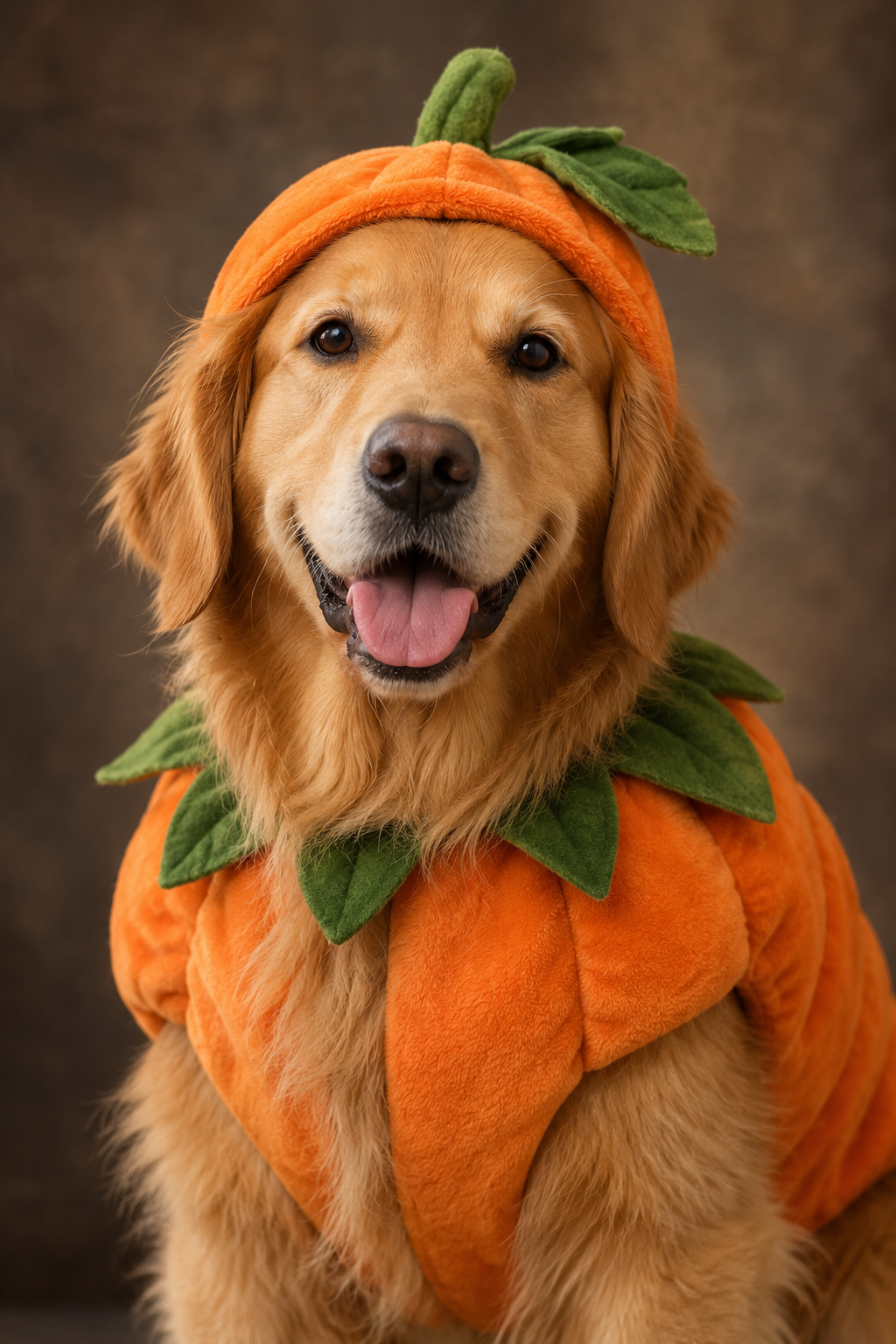
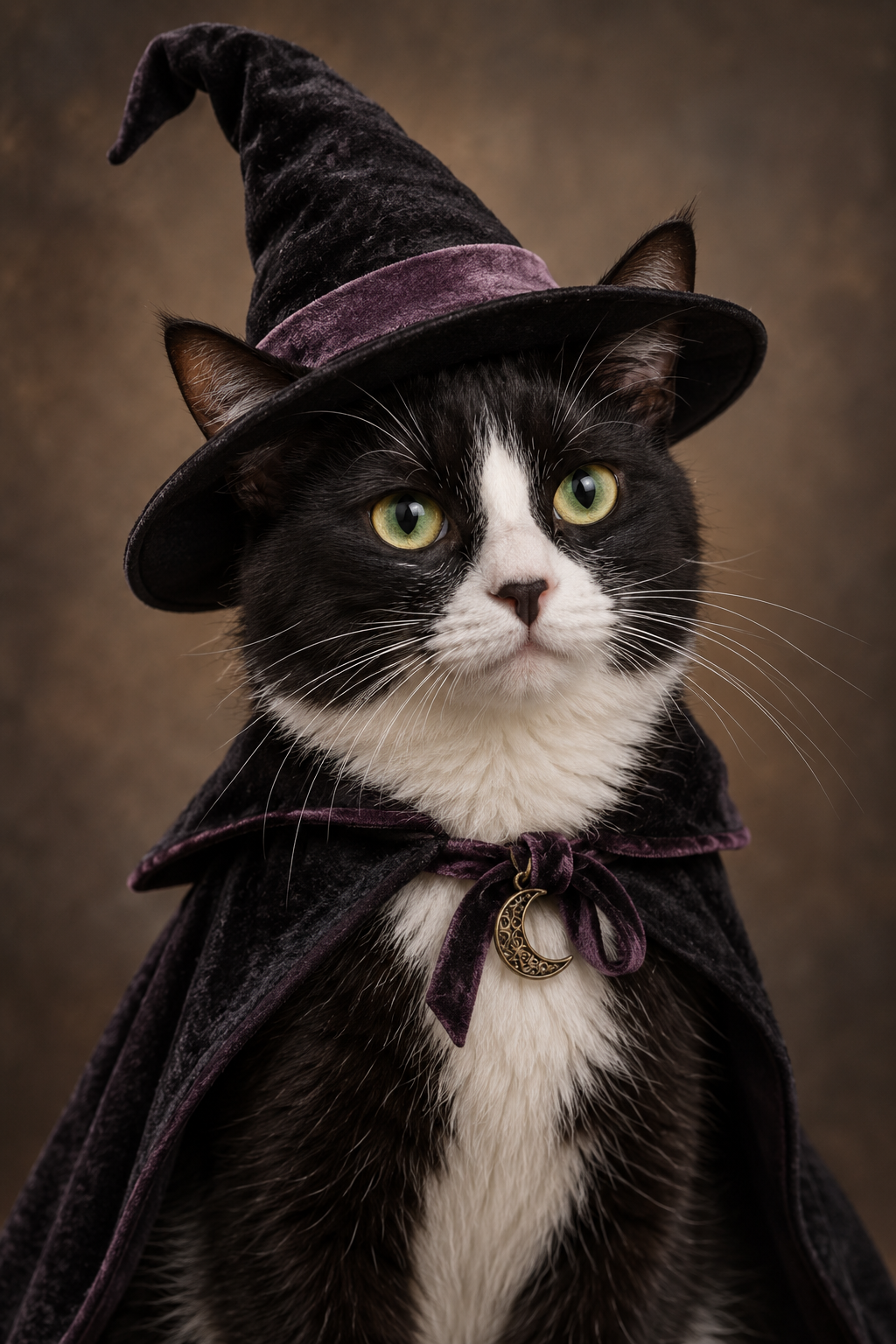
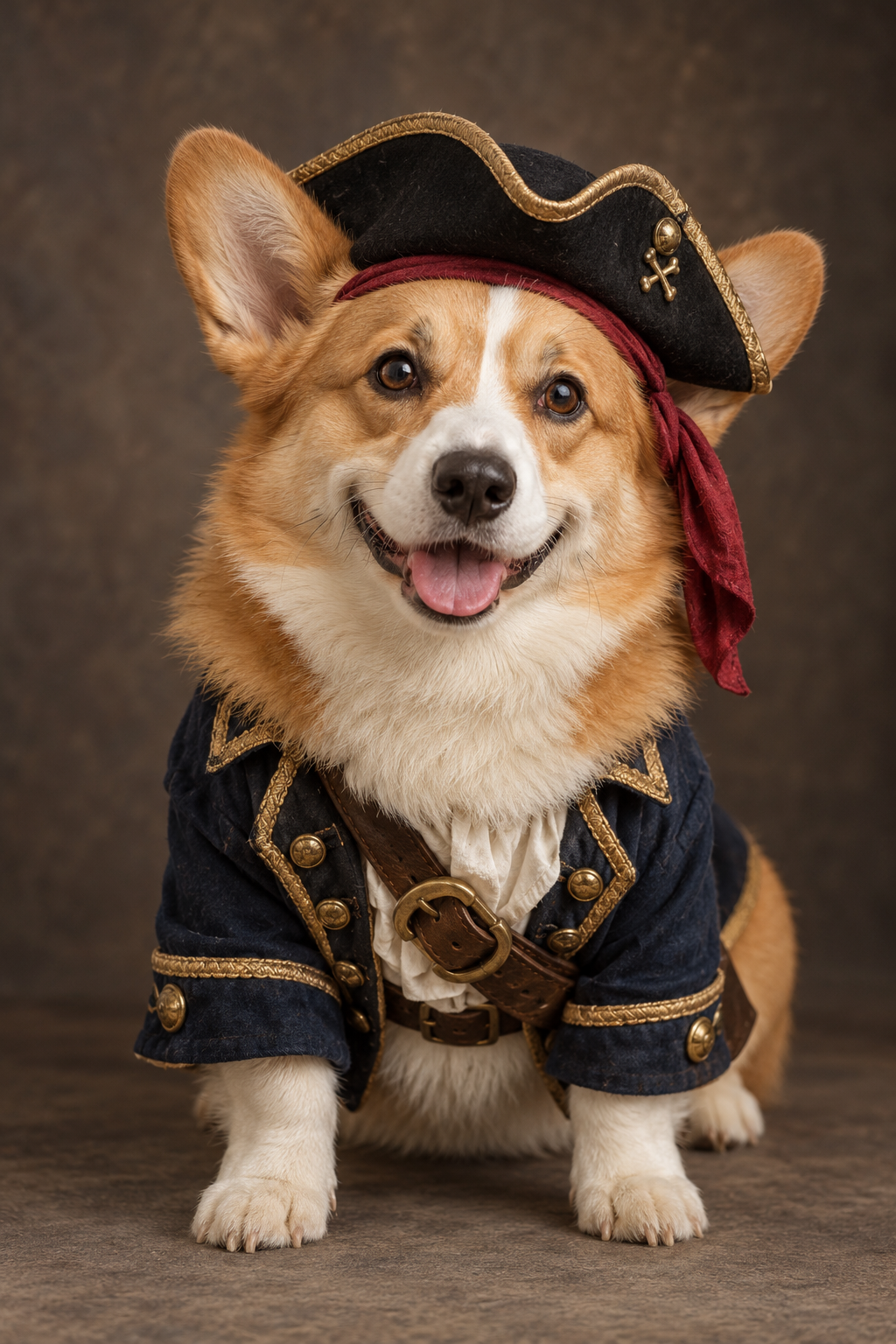
From camera roll to costume.
- 01
Bring your pet
Pick a clear photo with their face in view.
- 02
Find their character
Choose a costume image or a video effect.
- 03
Make it theirs
Review the effect, choose the settings and generate.
Before the costume change.
Use a clear, well-lit photo of one cat or dog. Keep the face and ears visible, and avoid heavy blur or objects covering your pet.
No. Upload an ordinary pet photo. The selected effect adds the costume with AI.
The effects are designed to preserve your pet’s appearance, but AI can change details. Results vary with the original photo and the chosen effect.
We save your photo and selected look in this browser, then bring you back to the effect. Generation starts only when you choose to generate.
Your account, purchase options and credit balance work across the site. Each effect shows its credit cost before you generate. Failed tasks follow the automatic credit-release rules.
Uploaded photos are private account files. Public previews are separately prepared examples, not customer uploads.